
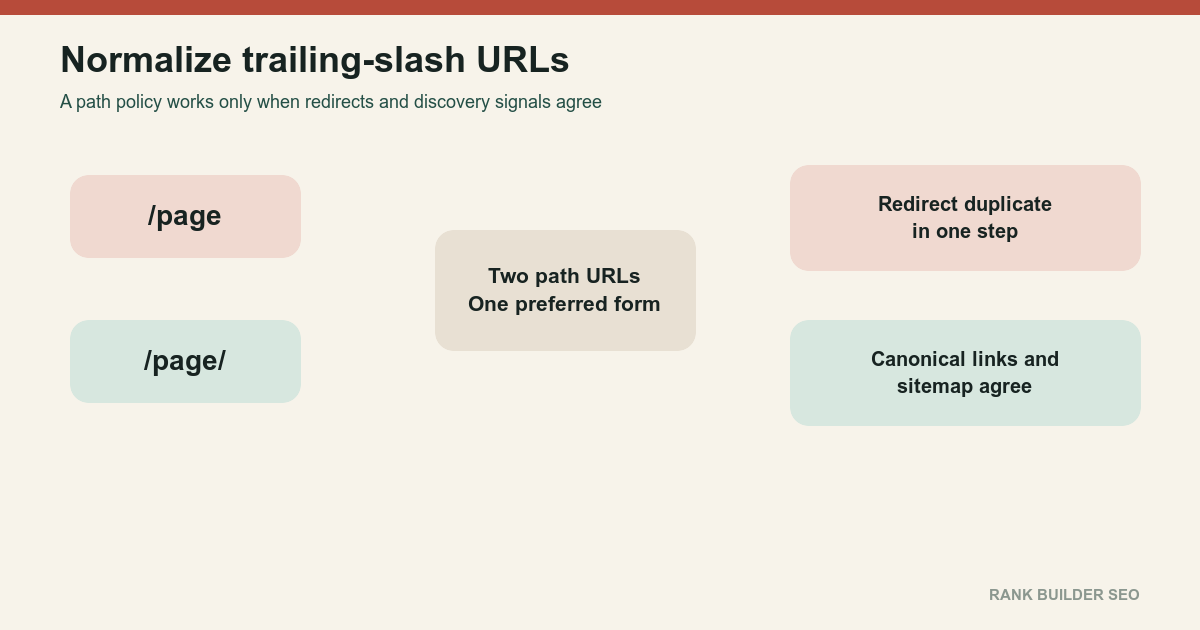
For non-root paths, slash and nonslash URLs can be separate resources. Choose one form for equivalent pages, permanently redirect the duplicate form, and use the preferred URL consistently in routing, internal links, canonicals, sitemaps and metadata.
- The root hostname with and without a final slash represents the same root address.
- Non-root slash and nonslash paths can produce separate responses.
- There is no universal SEO advantage to either style.
- Consistency prevents duplicate inventory, redirect chains and fragmented reporting.
01
Definition
For the site root:
https://example.com
https://example.com/
describe the same root address.
For a non-root path:
https://example.com/page
https://example.com/page/
the server can return different responses.
Google has long documented that it treats slash and nonslash path URLs as separate addresses while accepting either convention. To slash or not to slash[1]
The visible character is only the symptom. Routing rules at the framework, edge cache and origin determine whether the two paths are duplicates, redirects, errors or genuinely different resources.
Possible behavior includes one form returning 200 while the other redirects; both returning the same 200 content; both returning different content; one returning 404; a framework changing behavior between development and production; or a CDN normalizing differently from the origin.
There is no universal ranking advantage to adding or removing the slash.
02
Mechanism
Choose one policy for equivalent page routes.
Nonslash policy
Preferred:
https://example.com/pageAlternate:
https://example.com/page/
    → https://example.com/page
Slash policy
Preferred:
https://example.com/page/Alternate:
https://example.com/page
    → https://example.com/page/
Then align:
- Application router
- Static build output
- CDN redirects
- Origin redirects
- Internal links
- Canonicals
- Sitemaps
- Hreflang
- Structured data
- Feeds
- Cache keys
Redirect the duplicate form
Use a permanent redirect when the alternate form has no independent purpose.
The redirect should preserve:
- Path meaning
- Query parameters
- Language
- Pagination
- File identity
Avoid slash normalization that creates a chain with protocol or hostname normalization.
Poor:
http://example.com/page
    → https://example.com/page
    → https://www.example.com/page
    → https://www.example.com/page/
Better:
http://example.com/page
    → https://www.example.com/page/
Use the preferred canonical
The canonical page should point to itself.
link rel="canonical" href="https://www.example.com/page/"Google recommends consistency across redirects, canonicals, sitemaps and internal links. How to specify a canonical URL with rel=canonical and other methods[2]
Test cache behavior
A CDN can cache slash and nonslash URLs separately.
Verify:
- Cache key
- Redirect caching
- Query preservation
- Purge behavior
- Origin response
- Edge response
A mismatch can produce a redirect at one layer and a duplicate 200 at another.
03
Examples
Static-site output
A generator may build:
/page/index.htmland expose:
/page/Another framework may expose:
/pageDo not assume the source folder structure dictates the public canonical. Test the deployed output.
API paths
These may deliberately differ:
/api/items
/api/items/
Do not apply a broad rewrite without understanding the application contract.
File-like routes
A path such as:
/report.pdfnormally should not become:
/report.pdf/Exclude genuine file routes from directory-style normalization.
Query parameters
Preserve the query:
/page?color=green
    → /page/?color=green
Do not strip meaningful parameters during slash normalization.
Existing backlinks use both forms
Select the form already dominant in:
- Internal links
- Sitemaps
- Search results
- Backlinks
- Analytics
Either choice remains technically valid. Prefer the lower-disruption choice.
Write the chosen rule as a path-classification table before changing redirects. Distinguish document routes, directory-like routes, real files, API endpoints, framework internals and unknown paths. For each class, specify the canonical form, whether the alternate redirects, and whether query strings are preserved. That prevents a broad normalization expression from rewriting assets or API calls that follow different semantics.
Test the policy at the CDN, origin and application layers independently when possible. A loop often appears because two layers enforce opposite conventions, while a chain appears when protocol, host and slash normalization are implemented as separate hops. Use representative nested paths, encoded characters, pagination, parameters, missing routes and filenames with extensions. Save the response chain as release evidence and rerun it after framework or edge-configuration upgrades. The goal is not merely that a browser lands somewhere useful; every public signal should name the same stable address and every alternate should reach it predictably.
Add the policy to route-generation and code-review guidance. New templates, plugins and sitemap jobs should not decide independently whether to append a slash. A lightweight automated test can compare generated links, canonicals and sitemap entries against the router’s final response for a representative set of paths. When they disagree, fix the generator instead of relying on redirects forever. This keeps crawlers and users on final URLs, reduces needless hops, and makes future framework migrations less likely to reintroduce both variants.
04
Boundaries
Do not create separate content on slash and nonslash variants unless users and developers genuinely need two resources.
Audit the homepage; articles; categories; pagination; query parameters; localized routes; images; downloads; API routes; static assets; unknown routes; and error pages.
Watch for both forms returning duplicate 200; a canonical pointing to the alternate form; a sitemap listing both forms; internal links alternating between forms; a redirect removing query parameters; a framework adding a slash after client navigation; edge and origin disagreement; a redirect loop; a redirect chain; or a slash added after a file extension.
Use How to Change a URL Without Losing SEO Signals when changing an established policy and Redirect Mapping for Site Migrations when thousands of existing URLs require classification.
Choose a policy because the system needs one stable address, not because a slash possesses hidden ranking energy.
References
Sources behind this record
- To slash or not to slash — Google (accessed July 30, 2026)
- How to specify a canonical URL with rel=canonical and other methods — Google (accessed July 30, 2026)
Corrections
Correction history
No corrections recorded.
To report an error, use the public corrections path.
Some applications deliberately assign different meanings to slash and nonslash paths, so normalization must respect the actual routing and resource contract.